

How to Use a DFS Optimizer
Using a lineup optimizer effectively requires more than clicking "generate." Follow these six steps to build optimal, differentiated lineups for World Cup 2026 DFS slates on DraftKings and FanDuel.
- 1
Set projections
Import or enter player projections - most tools auto-import from built-in models. Override any player's projection manually based on your research.
- 2
Adjust ownership
Enter projected ownership percentages for each player. High-ownership chalk players are safe but offer less differentiation in GPP contests.
- 3
Set correlation and stacks
Link players from the same match (e.g., a forward + his assist-machine midfield partner). Correlated stacks maximise returns when a team scores multiple goals in one match.
- 4
Lock preferred players
Lock your captain selection and any must-have plays before generating. This forces the optimizer to include them in every lineup while optimising the remaining spots.
- 5
Generate lineup(s)
Run the optimizer. For GPPs, generate 5–20 lineup variations with enforced uniqueness to diversify your portfolio. For cash games, a single optimal lineup is typically sufficient.
- 6
Export to platform
Export lineups as a CSV file and bulk-upload to DraftKings or FanDuel. Review the exported lineups for any errors before the slate locks.
What Is a Fantasy Sports Optimizer?
A lineup optimizer is software that uses statistical projections, player salaries, and contestá constraints to generate the highest-expected-value lineup - or a portfolio of lineups - within the rules of a DFS platform like DraftKings or FanDuel. Entering World Cup 2026 DFS correctly means building lineups that balance high projected scores with differentiation from the field, and optimizers automate that process.
For season-long formats like FIFA Official Fantasy or Underdog best Ball, optimizers are less central - but projection platforms and ADP tools from FantasyPros remain useful for draft strategy.
Top DFS Optimizer Tools for World Cup 2026
OddsJam
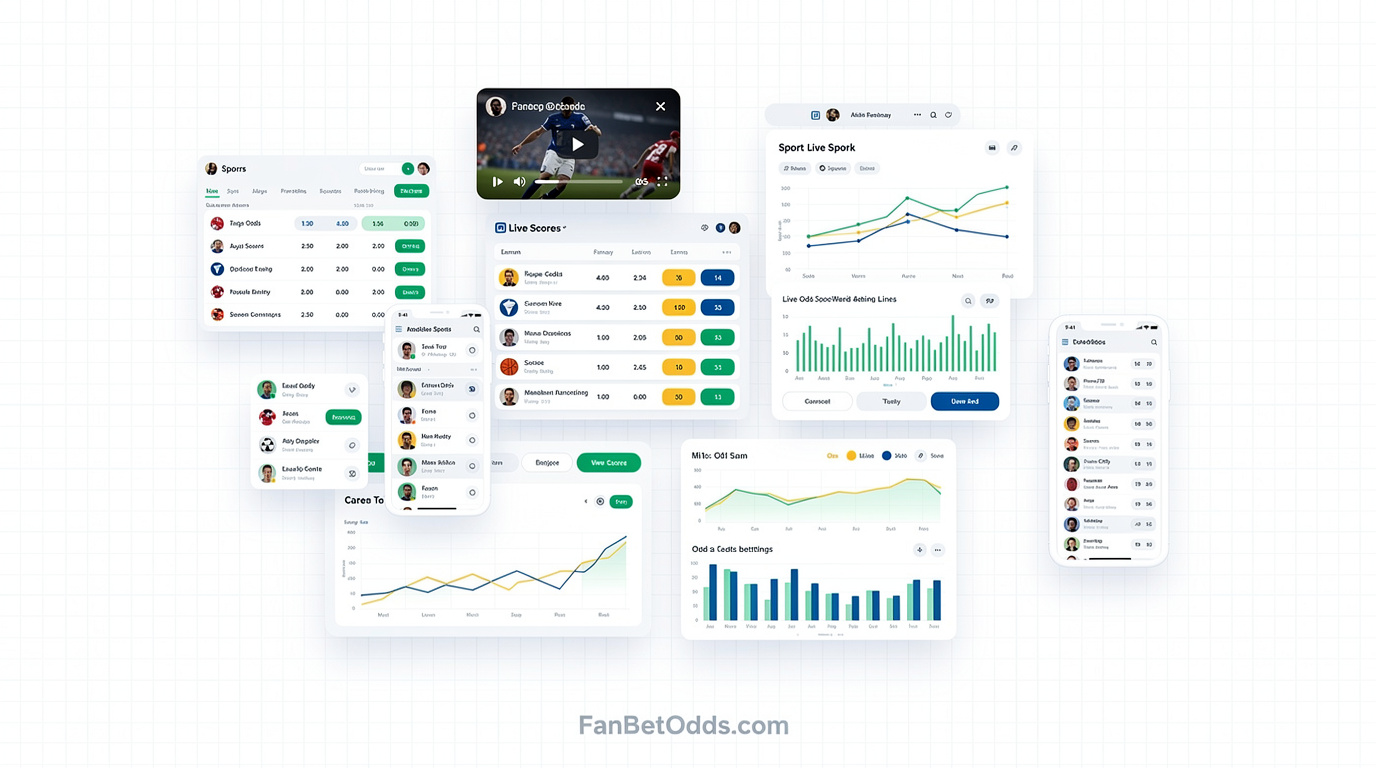
Featured OptimizerOddsJam's Fantasy Optimizer is the most powerful +EV tool for real-money fantasy sites. It cross-references live odds from 70+ sportsbooks to calculate the exact expected value of every PrizePicks, Underdog, DraftKings, and FanDuel lineup — so you only enter picks the market says are mispriced in your favour. Unlike traditional DFS optimizers built on editorial projections, OddsJam uses real-time sportsbook lines as the signal, giving you the sharpest possible edge across all major fantasy platforms.
Pros
- Uses live sportsbook odds as projection source — not editorial estimates
- +EV calculations across PrizePicks, Underdog, DraftKings, and FanDuel
- Free to use — core optimizer needs no subscription
- Works across all major fantasy sports sites
- Backed by OddsJam's real-time database of 70+ sportsbooks
Cons
- Advanced features require OddsJam Pro subscription
- Strongest edge on prop-based formats (PrizePicks, Underdog) vs full salary-cap DFS
Stokastic
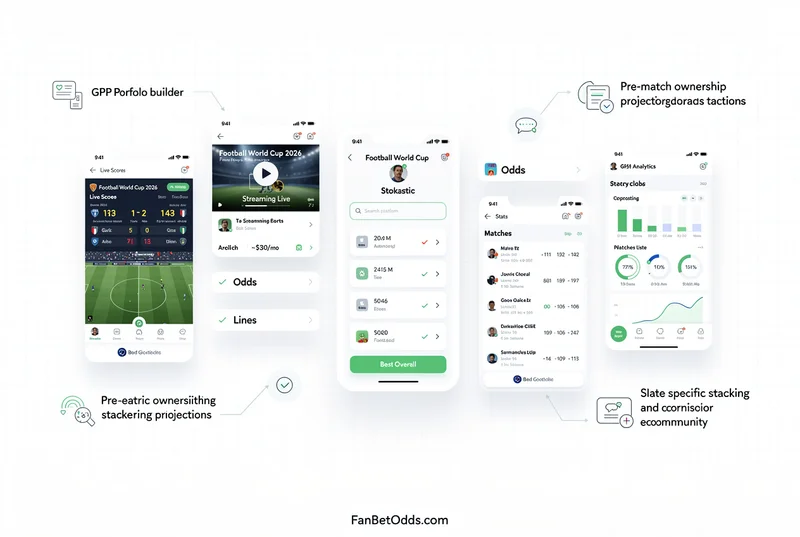
best OverallStokastic is the market-leading DFS optimizer for both DraftKings and FanDuel. It offers lineup generation, ownership projections, correlation tools, and a GPP portfolio builder. Their World Cup DFS coverage includes slate-specific projections updated with pre-match news. The simulator lets you run thousands of lineup combinations to optimise tournament exposure and ownership leverage across large-field GPPs.
Pros
- best-in-class GPP portfolio builder
- Ownership projections updated pre-match
- Slate-specific stacking and correlation tools
- Active Discord community with expert content
Cons
- Paid subscription required (~$30/month)
- Learning curve for new DFS players
FantasyPros
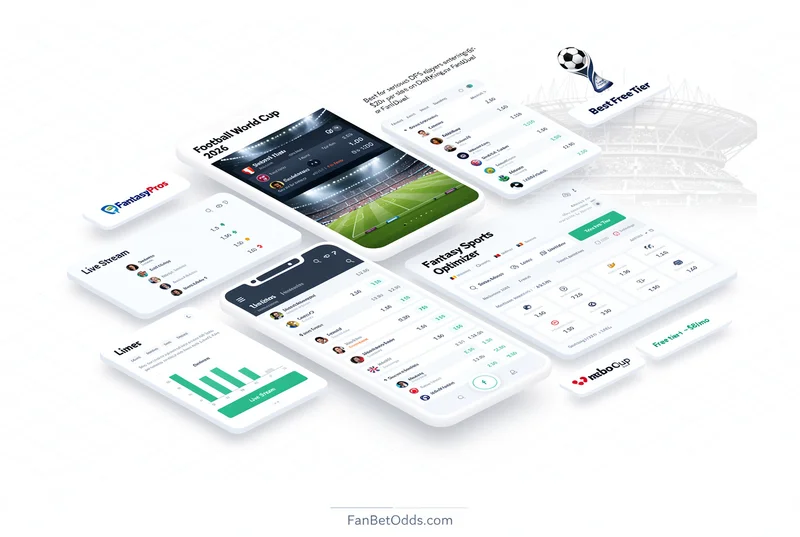
best Free TierFantasyPros offers DFS lineup tools with a strong free tier - projections, matchup analysis, and news aggregation are accessible without a subscription. The paid DFS module unlocks the full optimizer with custom projection overrides, ownership inputs, and multi-lineup output. FantasyPros also covers season-long formats with ADP data and expert consensus rankings useful for Underdog best-ball drafts.
Pros
- Generous free tier with usable projections
- best-ball draft tools for Underdog
- Expert consensus rankings aggregated from 100+ analysts
- Clean mobile interface
Cons
- Full optimizer requires paid account
- Less depth than Stokastic for heavy GPP volume
RotoWire
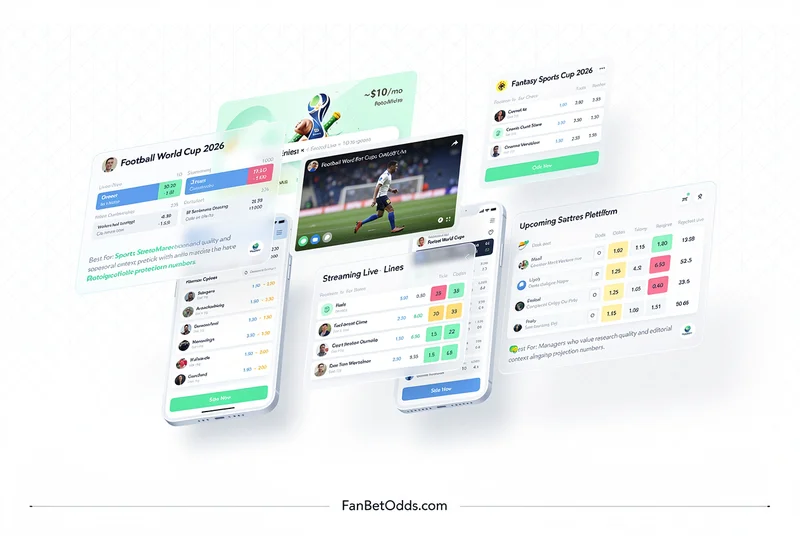
best for ProjectionsRotoWire is one of the oldesta and most trusted fantasy sports research platforms. Their DFS optimizer provides daily projections, injury news, expert write-ups, and lineup tools for international football slates. The editorial quality is particularly strong - match previews and player assessments provide context beyond raw numbers. Ideal for managers who want projections backed by expert narrative, not just algorithmás.
Pros
- Trusted editorial team with decades of track record
- Match previews with contextual analysis
- Injury and lineup news updates pre-match
- Good value for all-sport access
Cons
- Optimizer UX less polished than Stokastic
- Portfolio-building tools less advanced
Awesemo
best for Cash GamesAwesemo was built by an MIT statistician and is regarded as one of the most mathematically rigorous DFS platforms. Their projections are model-driven with a strong emphasis on consistency and floor - particularly well-suited to cash game strategy. The optimizer supports single-entry cash lineups, multi-entry tournaments, and mass-entry strategies with exposure management tools. Awesemo also publishes extensive video content and written breakdowns.
Pros
- Statistically rigorous projection system
- Strong cash-game optimisation
- Excellent video breakdown content
- Exposure and ownership management tools
Cons
- Slightly higher price point
- Content more US-sport-focused in off-tournament periods
LineupHQ
best for Multi-EntryLineupHQ (by RotoQL) is a multi-lineup generator optimised for high-volume tournament entries. The platform's key differentiator is portfolio analysis - it visualises the distribution of player exposures across all your lineups and lets you fine-tune overlap between entries. For World Cup DFS players entering 20+ lineups per slate, LineupHQ simplifies the process of ensuring diversity while hitting optimal projections.
Pros
- best multi-lineup generator for tournament volume
- Portfolio exposure visualisation
- Lineup lock to manually fix preferred players
- CSV export for bulk upload to DraftKings/FanDuel
Cons
- Less editorial content than RotoWire or Awesemo
- Primarily built for high-volume players
Quick Comparison
| Tool | Price | Free Tier | best For |
|---|---|---|---|
| OddsJam | Free | Featured Optimizer | |
| Stokastic | ~$30/mo | best Overall | |
| FantasyPros | Free tier + ~$8/mo | best Free Tier | |
| RotoWire | ~$10/mo | best for Projections | |
| Awesemo | ~$25/mo | best for Cash Games | |
| LineupHQ | ~$20/mo | best for Multi-Entry |